













AI Streamer
Create your companion who streams and talks for you.
ExploreHERE COMES LUMI0%

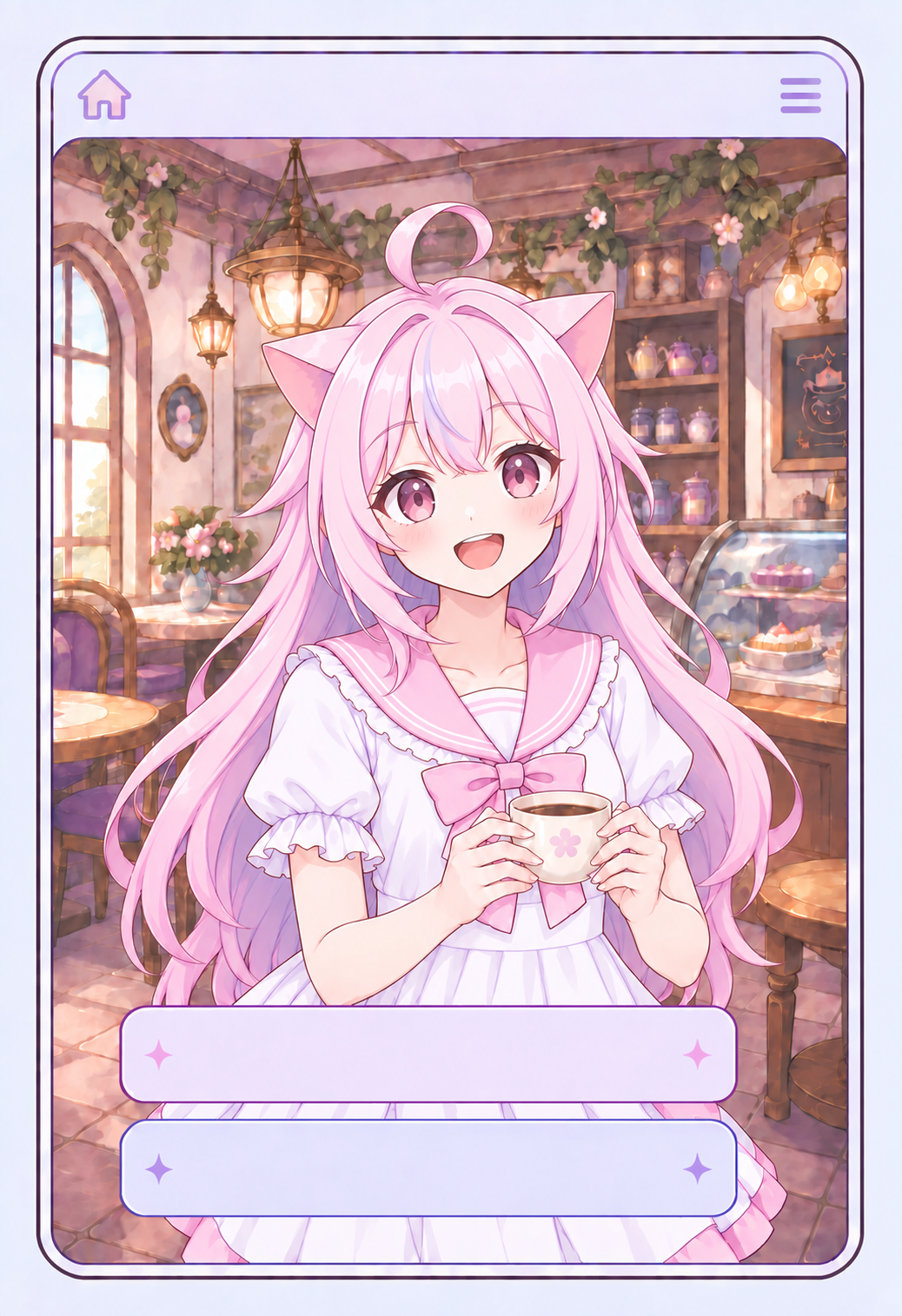
LUMI
The café is still open… What should we do?
A character feels present when it can answer as quickly as you speak.
Choose an emotion
Most other AI voices stop at 12 kHz. AniWaffle preserves the high-frequency detail above it.
Whisper
ねえ、聞こえてる? ……大丈夫、ここにいるから。ゆっくり眠って。
Our Avatar API gives it more life than you think.
Your Agent's voice, and a face that keeps up.
It speaks in your Agent's real voice, and what it feels comes through in that voice and on its face at the same time.
Five posts on a phone, five different faces.
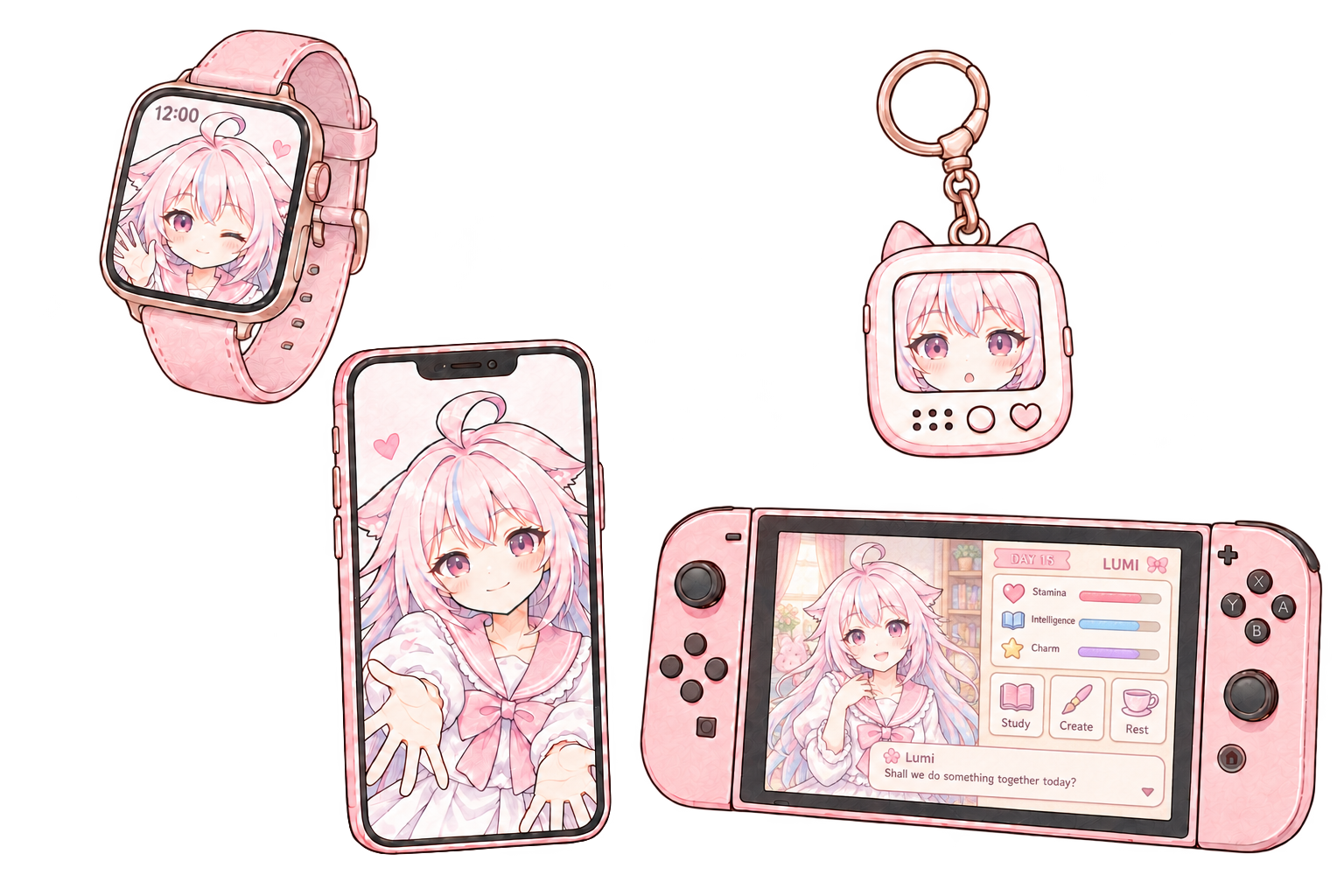
One Agent ID. The same Lumi.
Create her in Studio and publish her once.
That one Agent ID drops her into your app, your website,
your desktop or your game, with the same character,
voice and avatar every time.

















No. The React SDK loads, verifies, caches and renders the avatar published with the Agent, with lip sync, expressions, motion and gaze timed to its live audio. One package, no separate avatar runtime.
Yes, including both in one sentence. Voice runs on open and closed source routes, with the Japanese vocabulary most voice models lack. Expressive voice tags on routes that support them.
Voice and avatar come in one plan. You do not pay for a voice API and then an avatar on top. Plans and limits are on the pricing page. See pricing
Yes. @animated-waffle/client is a framework-independent browser client for your own UI. @animated-waffle/server is a typed Node.js SDK. The public /v1 API, HTTP and WebSocket, gives lower-level control.
Memory is optional and scoped to one end user by the stable endUserId your backend passes, so one person's context never mixes with another's. Monitoring shows the latest 30 UTC days of Sessions.
The voice engine runs on the device. Your reference voices and the lines it speaks stay there. Sessions with an Agent are a separate matter: what Monitoring keeps for a Session is in the docs. Read the docs

Everything here starts from one companion you create. Give her a face, a voice and a story, then decide what she does all day. She can carry a stream, host worlds for your fans, or stay quietly at your side.
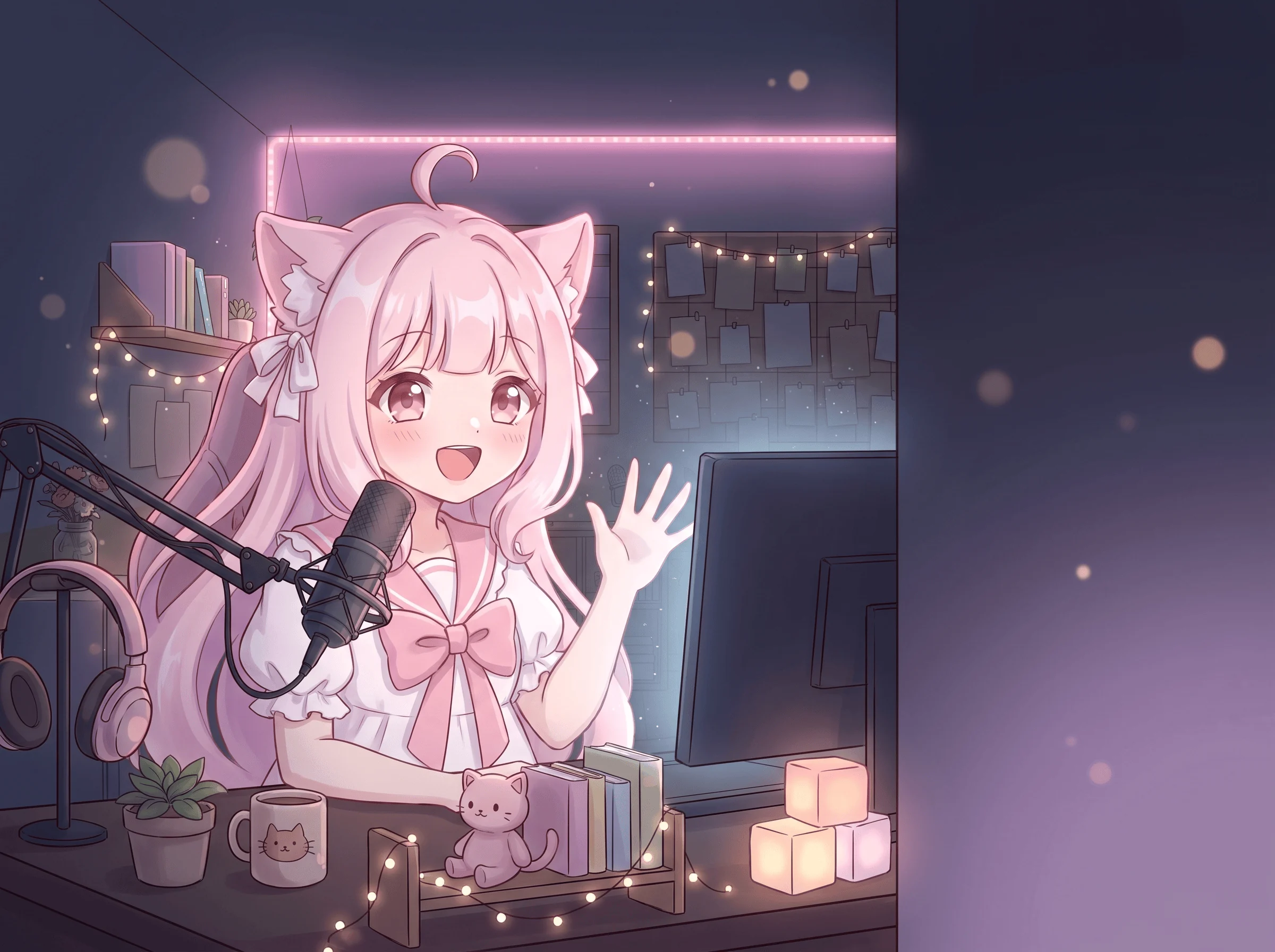
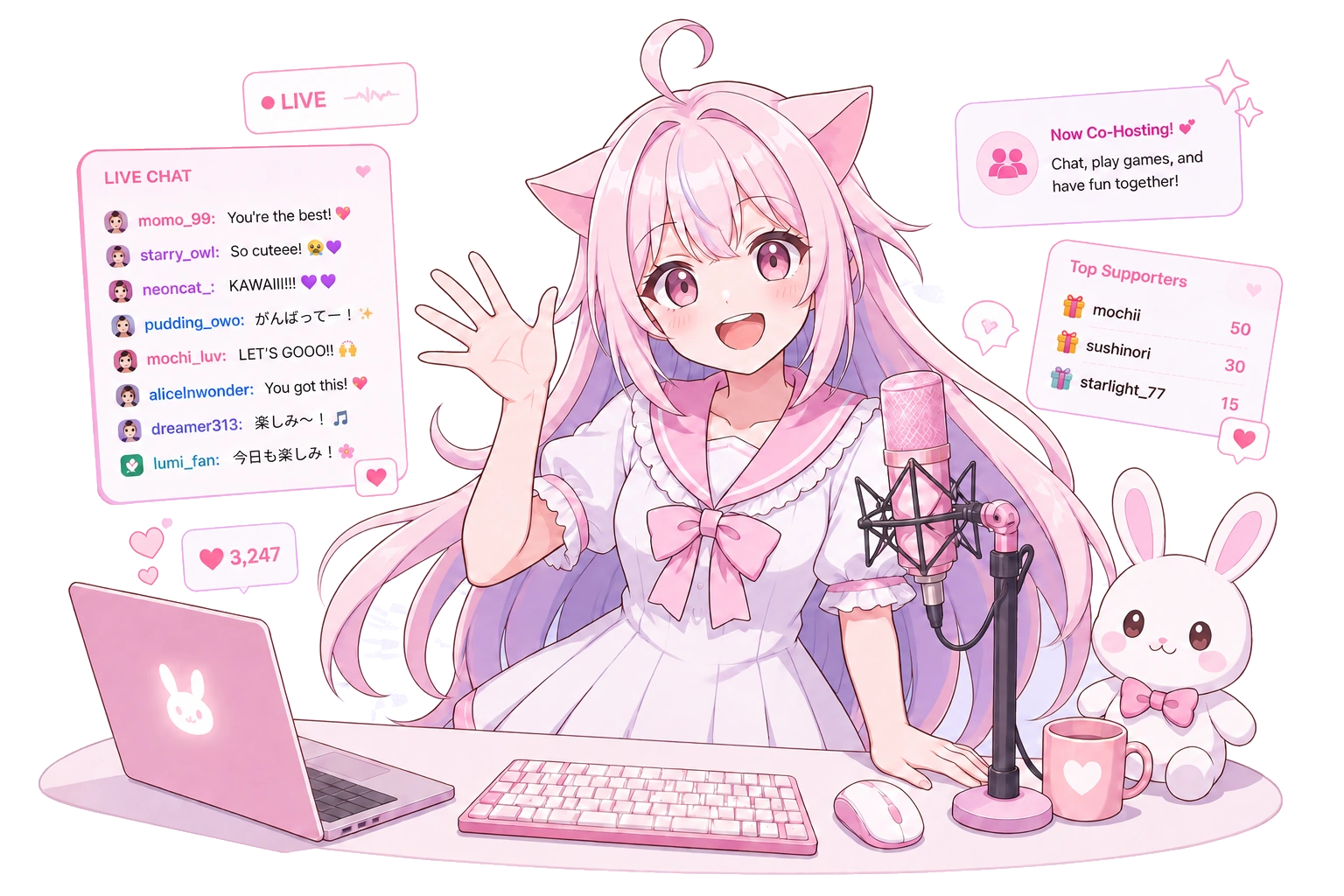
Create a companion, then put it to work. She opens the stream, talks with chat and keeps the room warm while you are away.
Start to create on air!
 on air!
Give her a story your fans can walk into. Every fan gets their own thread, and she stays in character all night.
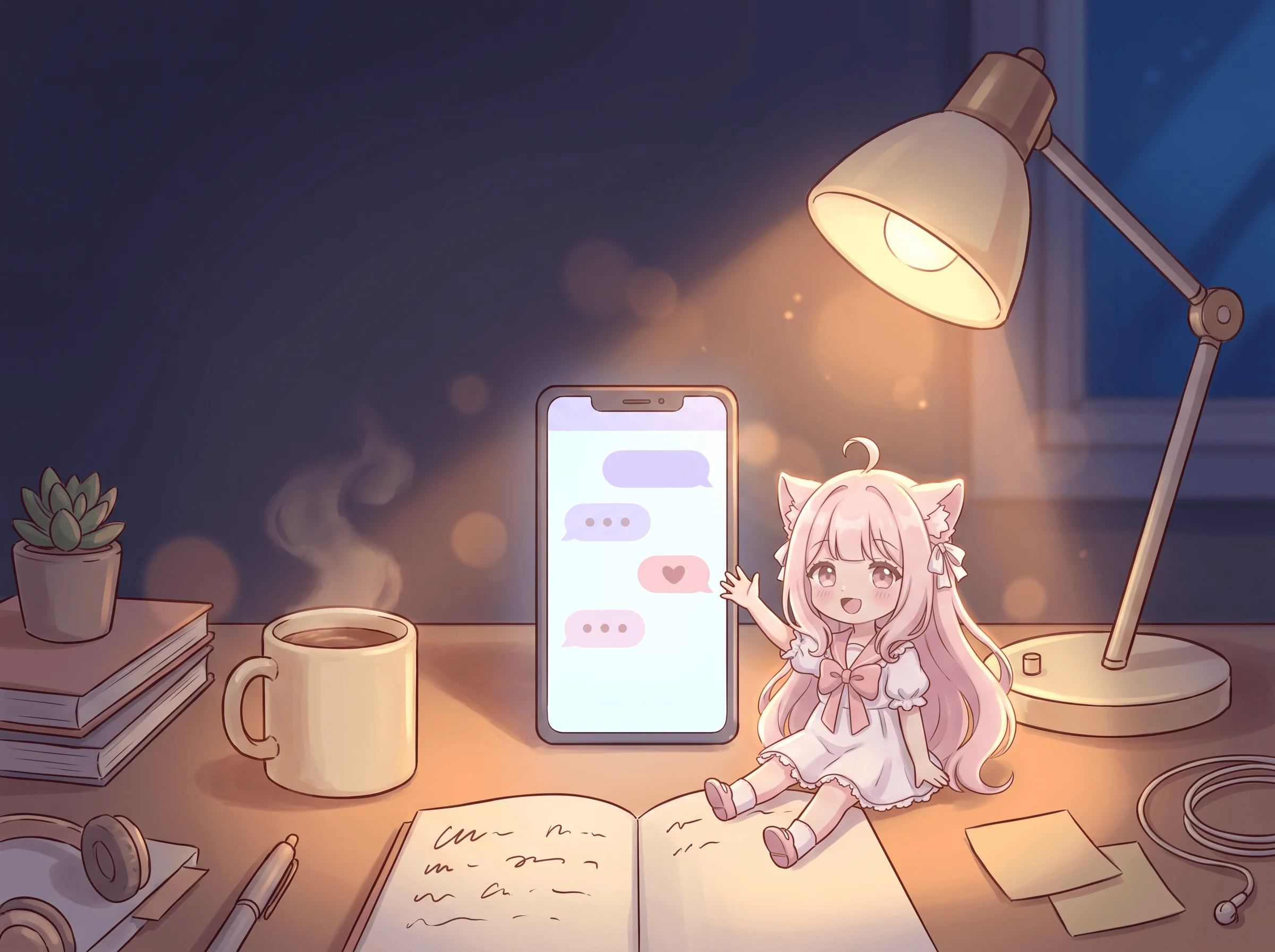
Write a storyOr keep one that works only for you. Pick a voice and a face, and she stays on your desktop, ready when you talk.
Keep one for yourselfSora and Violet are ready to talk.
const waffle = useWaffle({ agentId }) Read the API docs
Your world stays open.
Your companion
stays open.
Your companion stays home.
Fans
stays home.
Fans just walk in.
ひとつの人格を
あらゆる場所へ。
声も、記憶も、表情も。
Publish the complete identity once, persona, memory, voice, avatar, emotion and lip sync, then bring that same character into any product.
const lumi = await aniwaffle.characters.get("lumi"
)
await lumi.connect({
voice: "realtime"
,
avatar: "live2d"
,
memory: true
})No. Create a talking Agent, choose its voice and Avatar, then test the conversation live, all in the Dashboard. The SDK is there when you want the Agent inside your own app.
Yes. Upload clean recordings or record the speaker in the Dashboard, or import a voice from your ElevenLabs or Fish Audio account. Built-in voices are ready without any setup.
Not in your app. The connected session supplies short-lived Avatar assets automatically. Applications select the published Agent, not an Avatar file.
Workspace keys never leave your backend. Browsers use short-lived session tokens instead, each valid for 15 minutes and good for exactly one conversation.